Work with the accommodation object
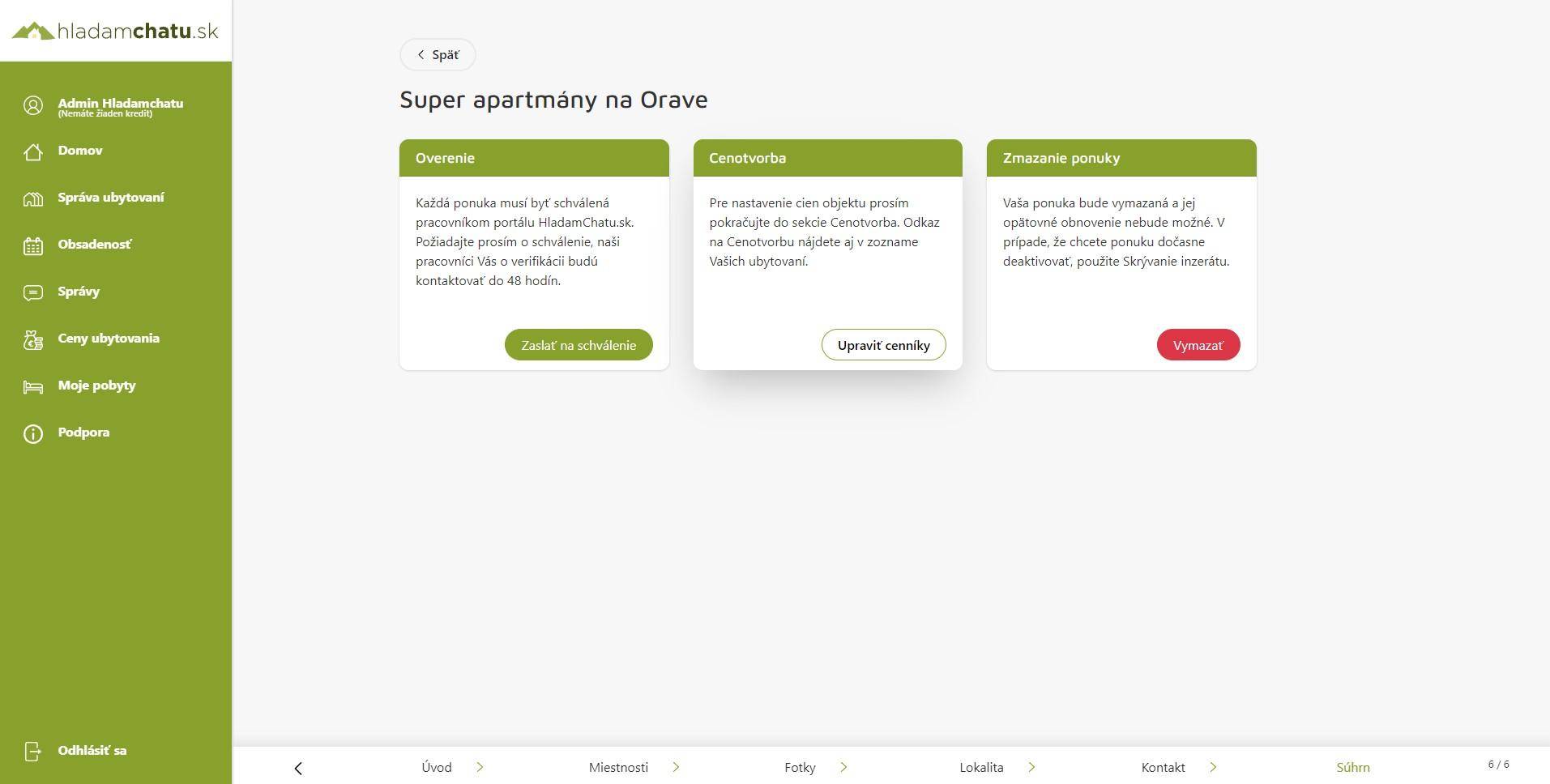
There are three important cards in the summary of the accommodation object. They are:
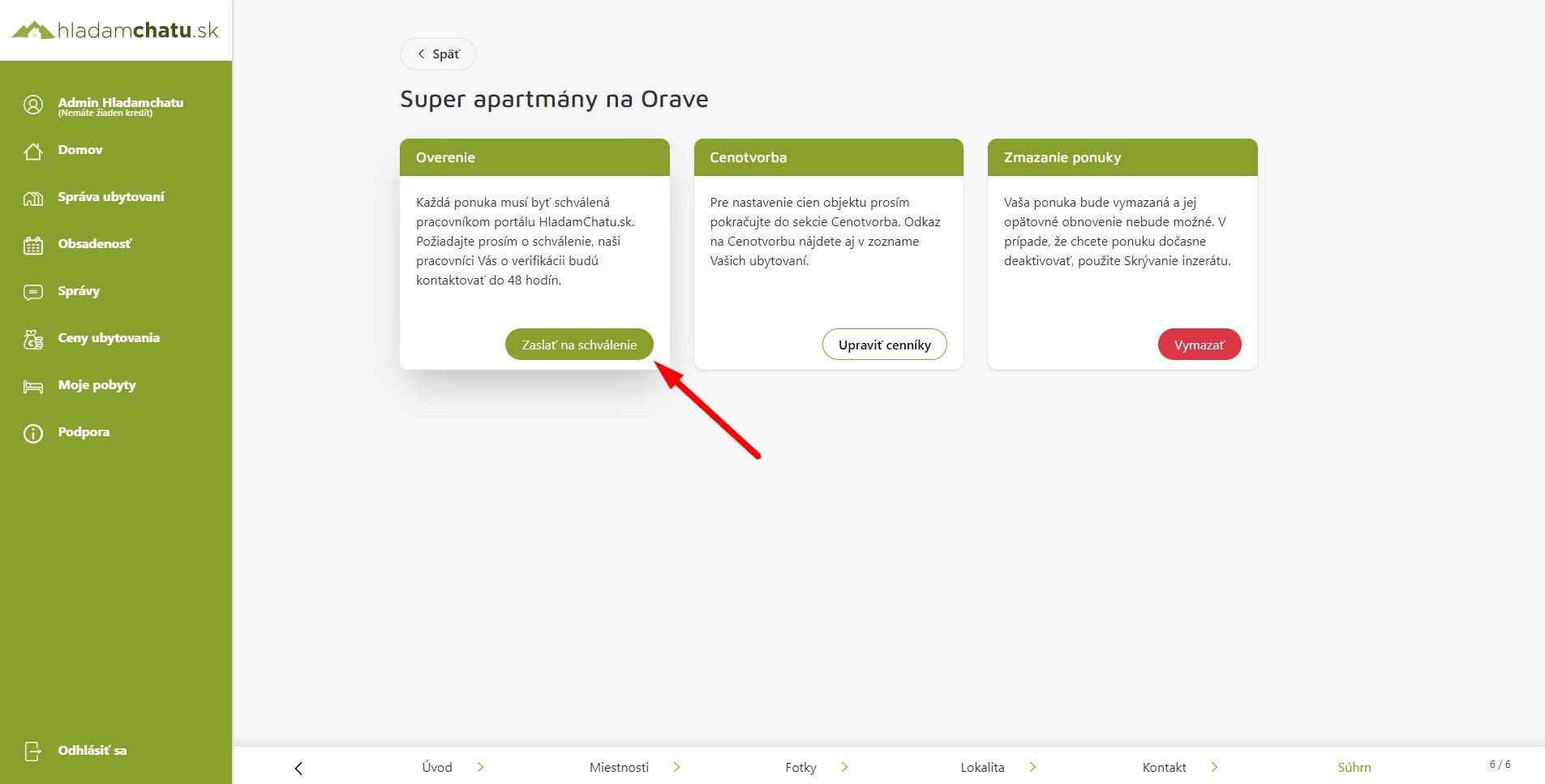
Pricing: Each accommodation object must have added accommodation seasons and a price list for them. If the object does not have price lists added, it cannot be reserved by guests. You can learn more about how to work with the price bag and LastMinute prices in "Modification of the object - pricing".
Verification of the ad: Verification of the object serves to check the completeness of the filled-in data of the accommodation object.
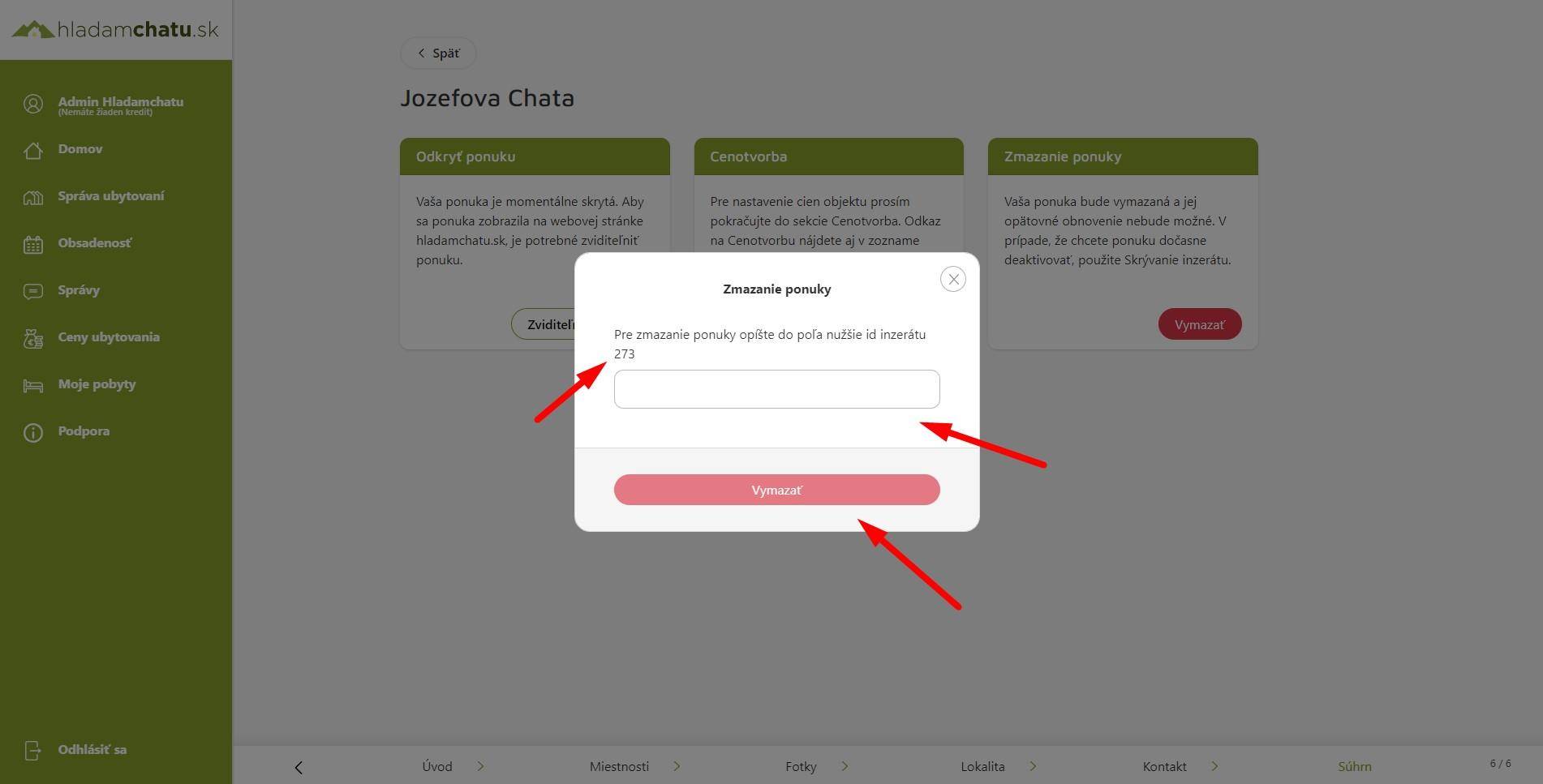
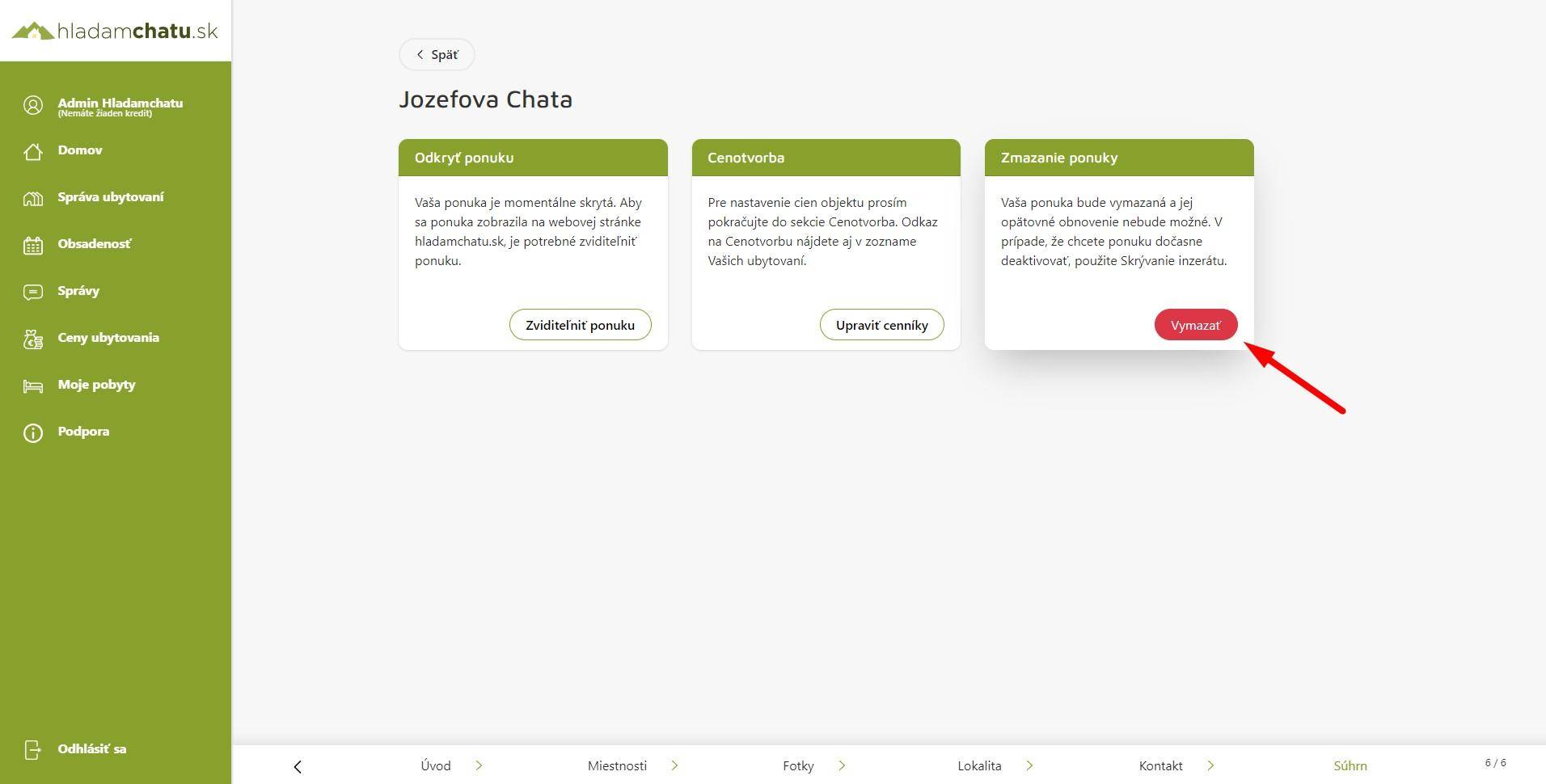
Deleting the offer: It serves to permanently delete the accommodation object, which is irreversible, that means that if you delete the object once, we cannot return it to you and you have to add it anew. Deletion of the object will not affect past, current or future stays that were linked to the object.
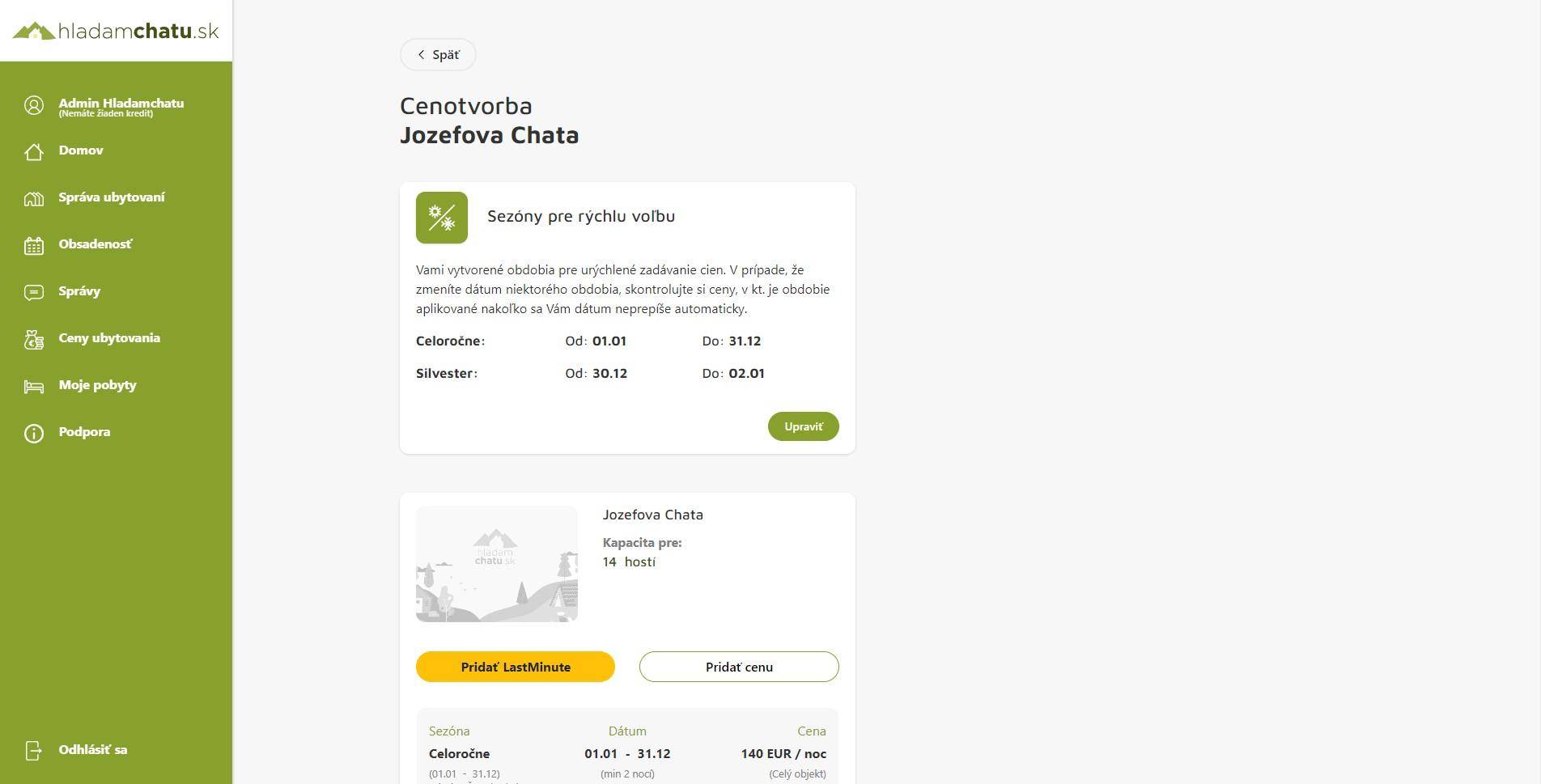
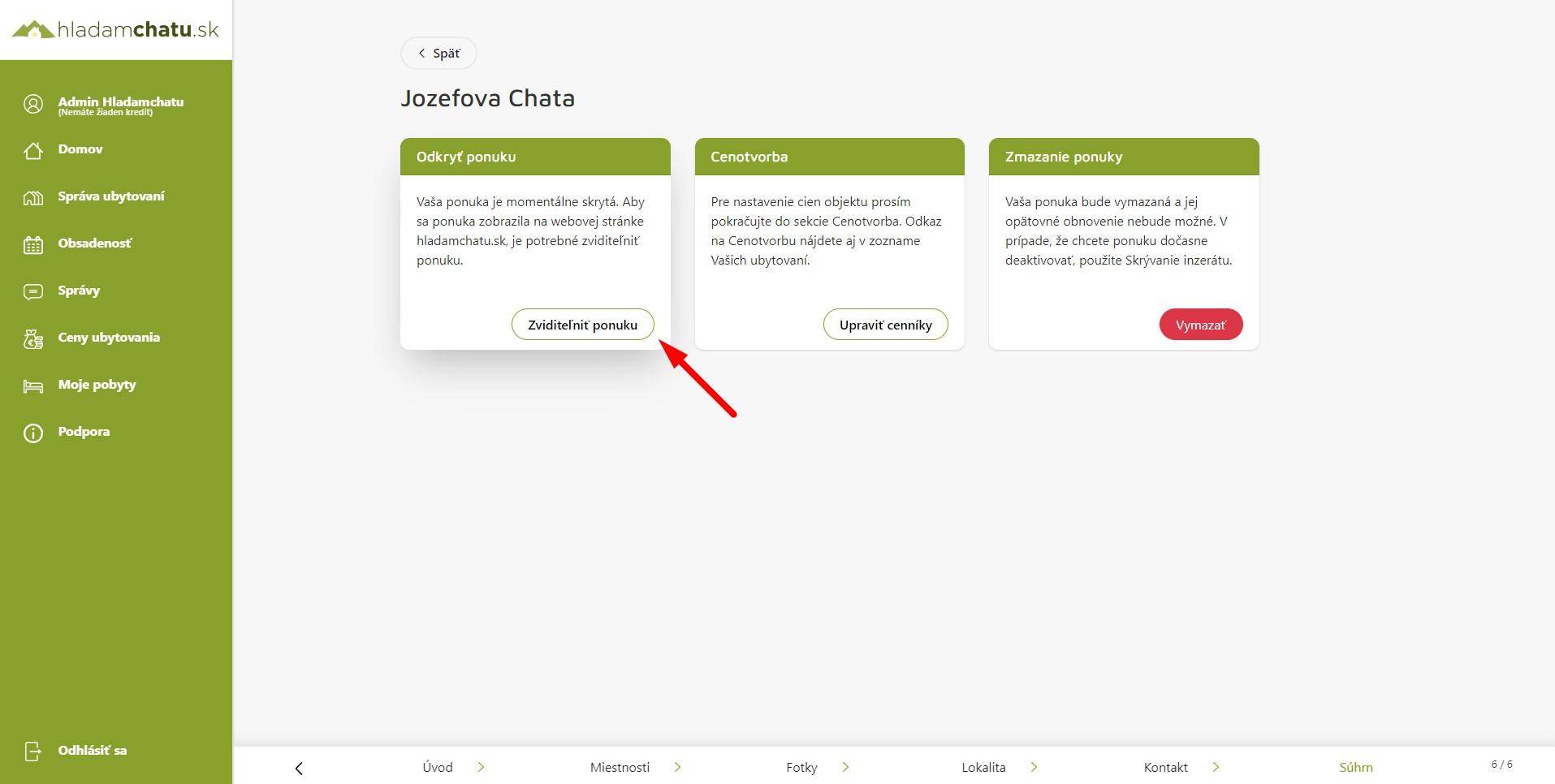
Hide, reveal the menu: This function serves to hide, hide the object so that the object is not searchable, but you can still work with it.
Object verification
Go through your accommodation offer carefully once more and if you are sure that you have filled in everything necessary and uploaded all the photos of the object, please click on the green button "Send for verification"
Our administrators will review your application and, if everything is sufficiently filled out, they will approve your accommodation offer.
In the event that something needs to be modified, I will contact you via messages in the administration or by e-mail and ask you to add it.
Before sending for verification, please also fill out the price lists in the pricing section.
Pricing
It is used to set the prices of stays for individual accommodation objects. You can learn more about how to work with the price bag and LastMinute prices in "Modification of the object - pricing".
Hiding, revealing the object
If you need to temporarily hide the object, so that the interested party cannot monitor it, there is an option to hide but make the object visible.
Deleting the menu
Deleting an accommodation object is irreversible, which means that if you accidentally delete an offer, it cannot be put back to sleep and you have to add it anew.
If you are sure and want to delete your object, offer, then:
Step 1: Click on the red "Delete" button
Step 2.: Write the ad ID in the box below and click the red "Delete" button